One sign-in for the whole business.
Every product lives behind one dashboard at your own address. Your team taps their name, types their PIN, and sees the tiles their job needs. Nothing else.
Here's a skating rink using it: Neville Roller Drome in Pittsburgh signs in to it every day.
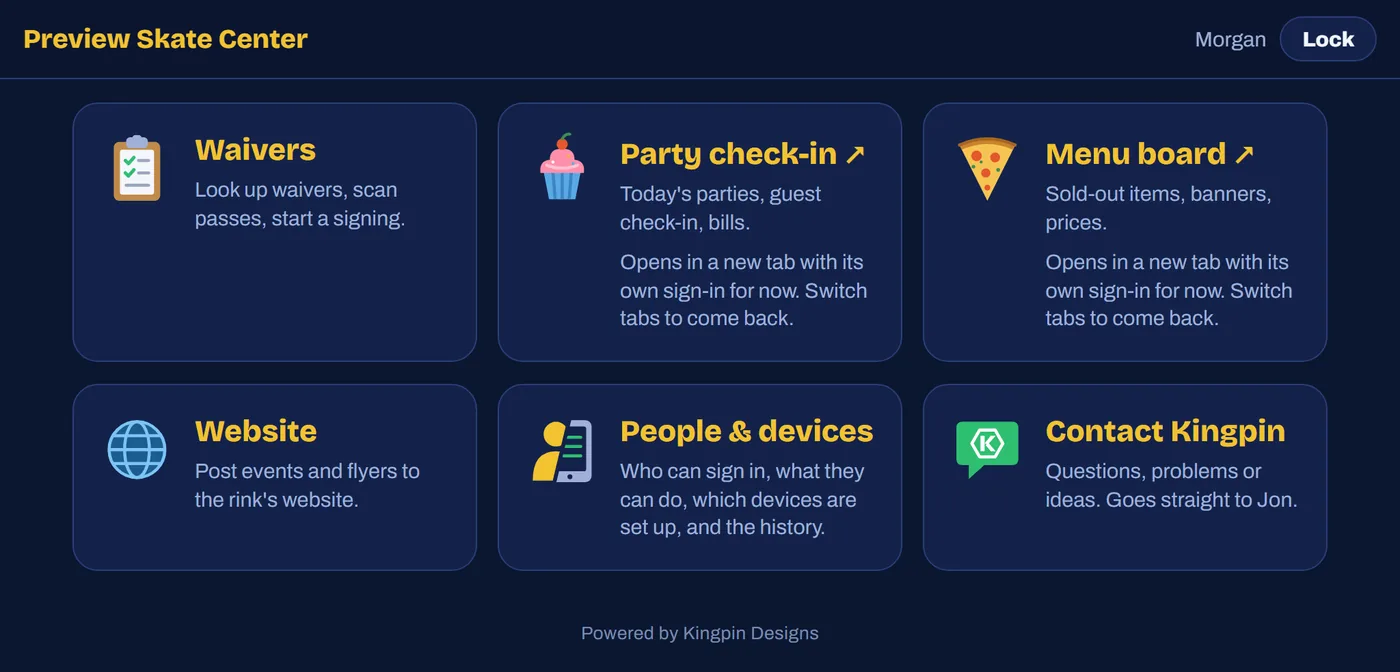
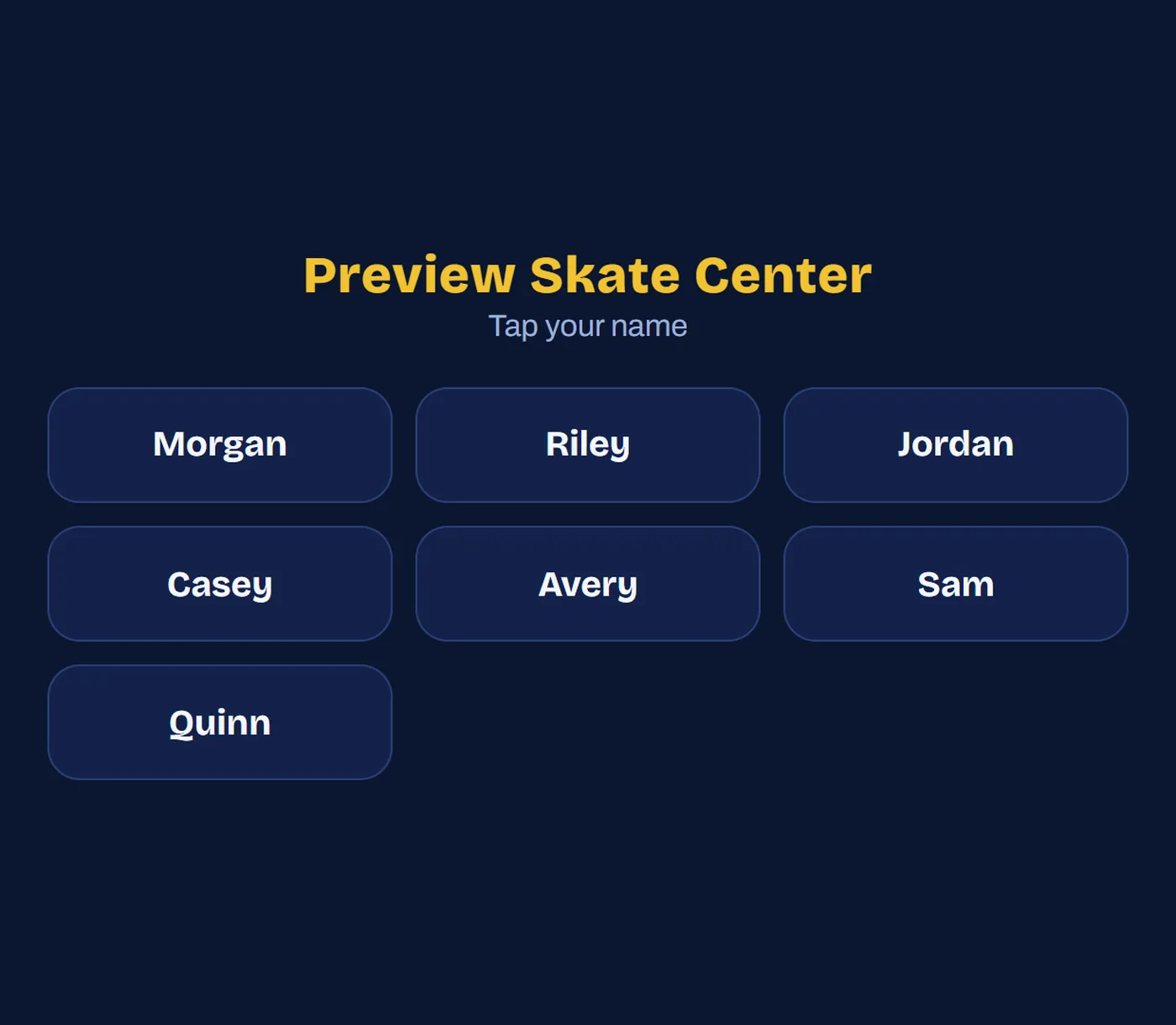
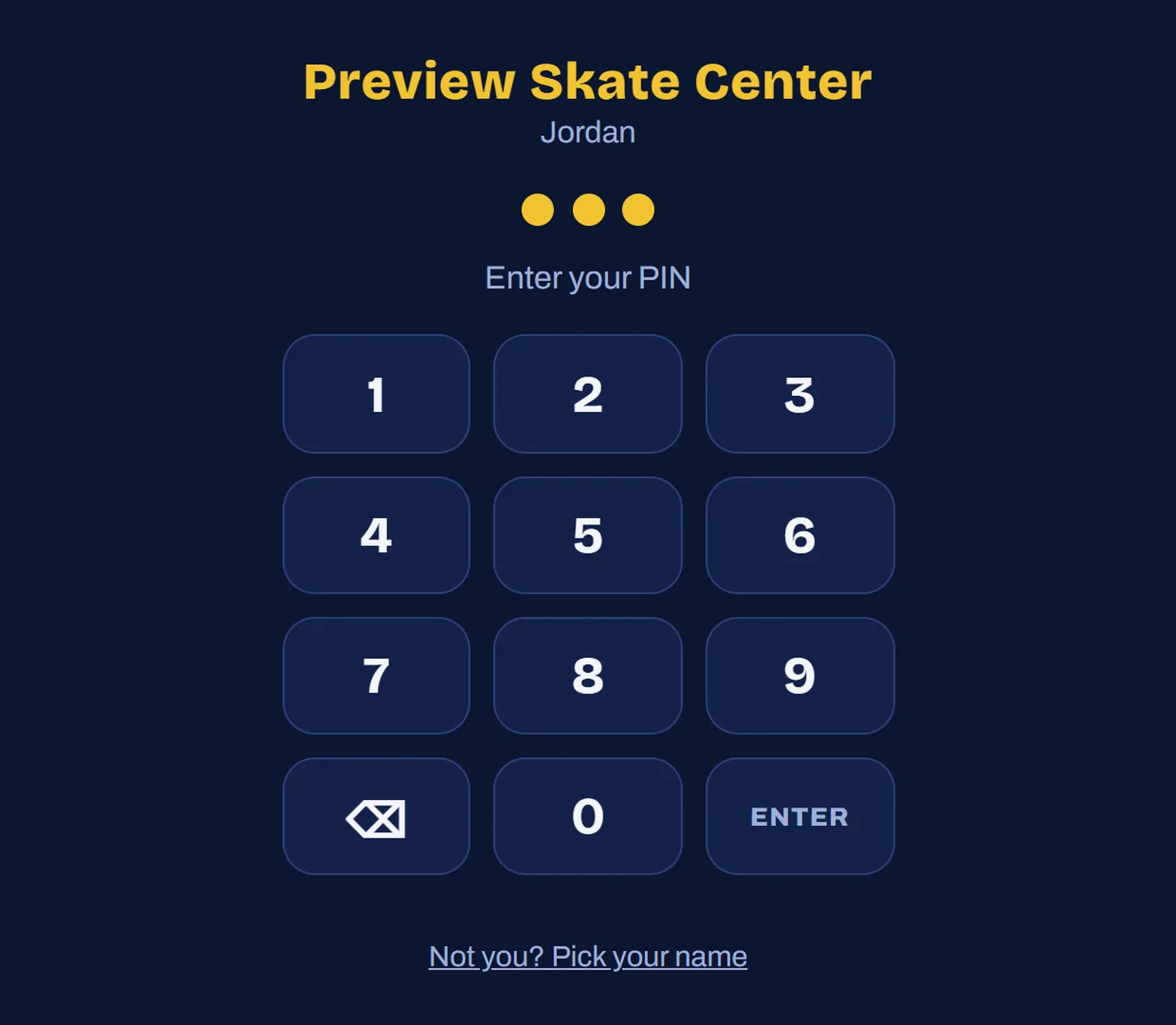
Tap your name. Type your PIN.
A manager sets up each iPad once with a six-digit code. After that, signing in is a name and a PIN, the way a register works.
Shared iPads lock themselves when they sleep or sit idle. Someone's own phone can stay signed in, if the owner allows it.
Who can sign in, and what they can do.
The rink's managers handle all of this themselves: adding staff, resetting PINs, setting up a new iPad, turning off a lost one.
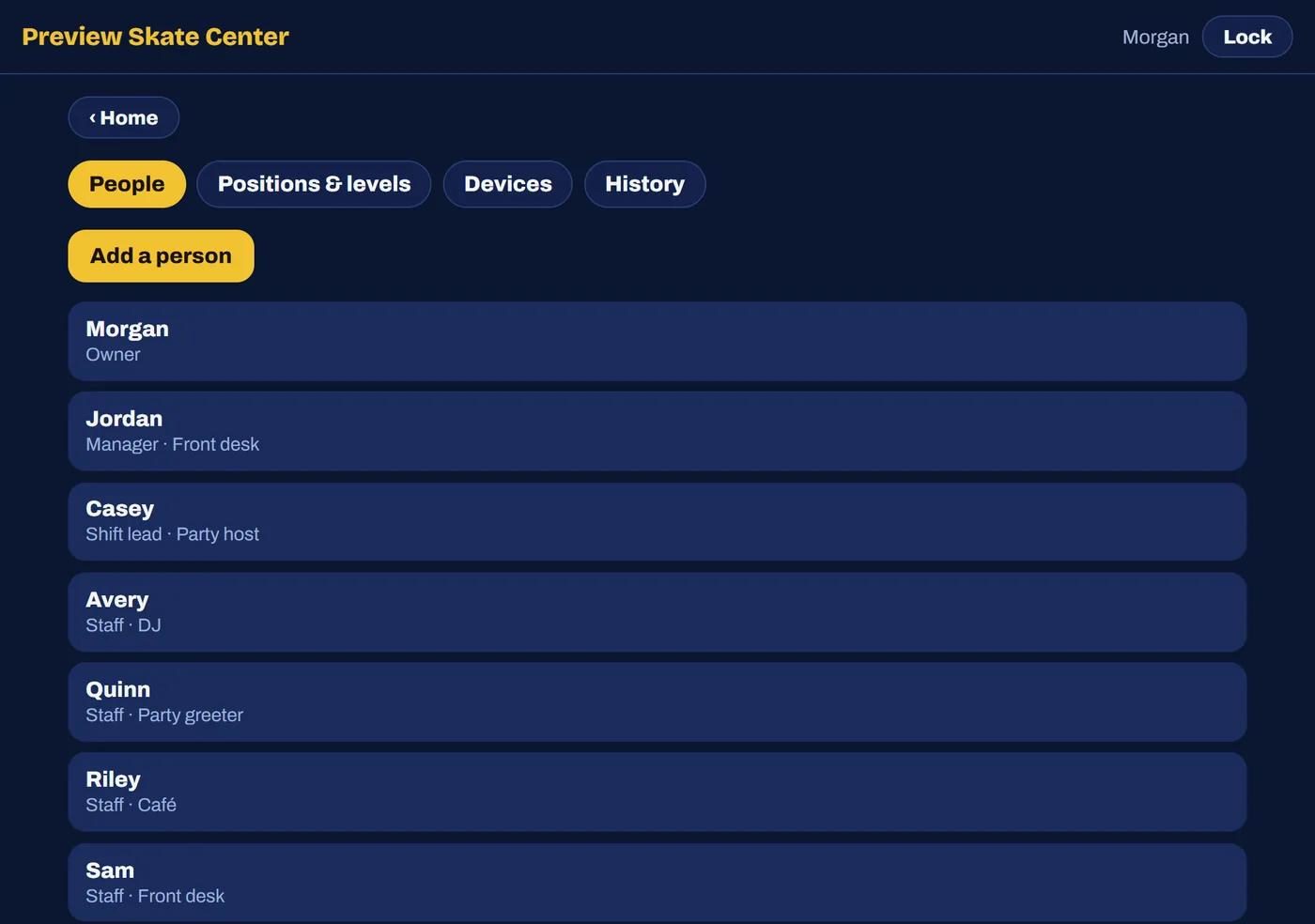
Everyone on one list
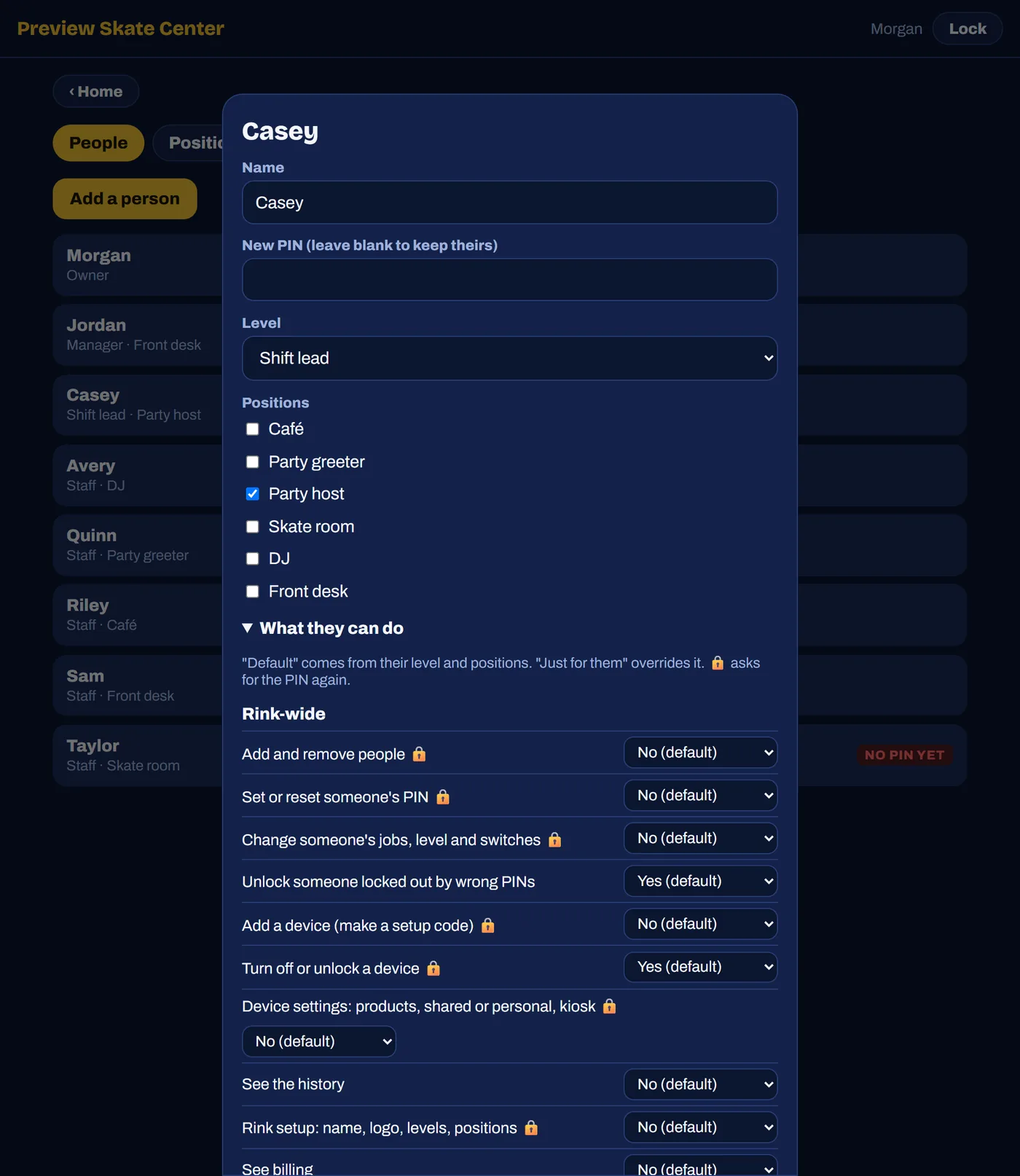
Each person has a level (view only, staff, shift lead, manager, owner) and one or more positions: café, skate room, party host, DJ, front desk.
Positions decide what someone sees. Put a new hire in the café and they get the menu board, nothing more.
A switch for every risky thing
The café can mark nachos sold out but not change their price. A party host can check guests in but not discount the bill. Every one of those is its own switch.
Risky actions, like removing someone, voiding a waiver or changing prices, ask for the PIN again even when already signed in.
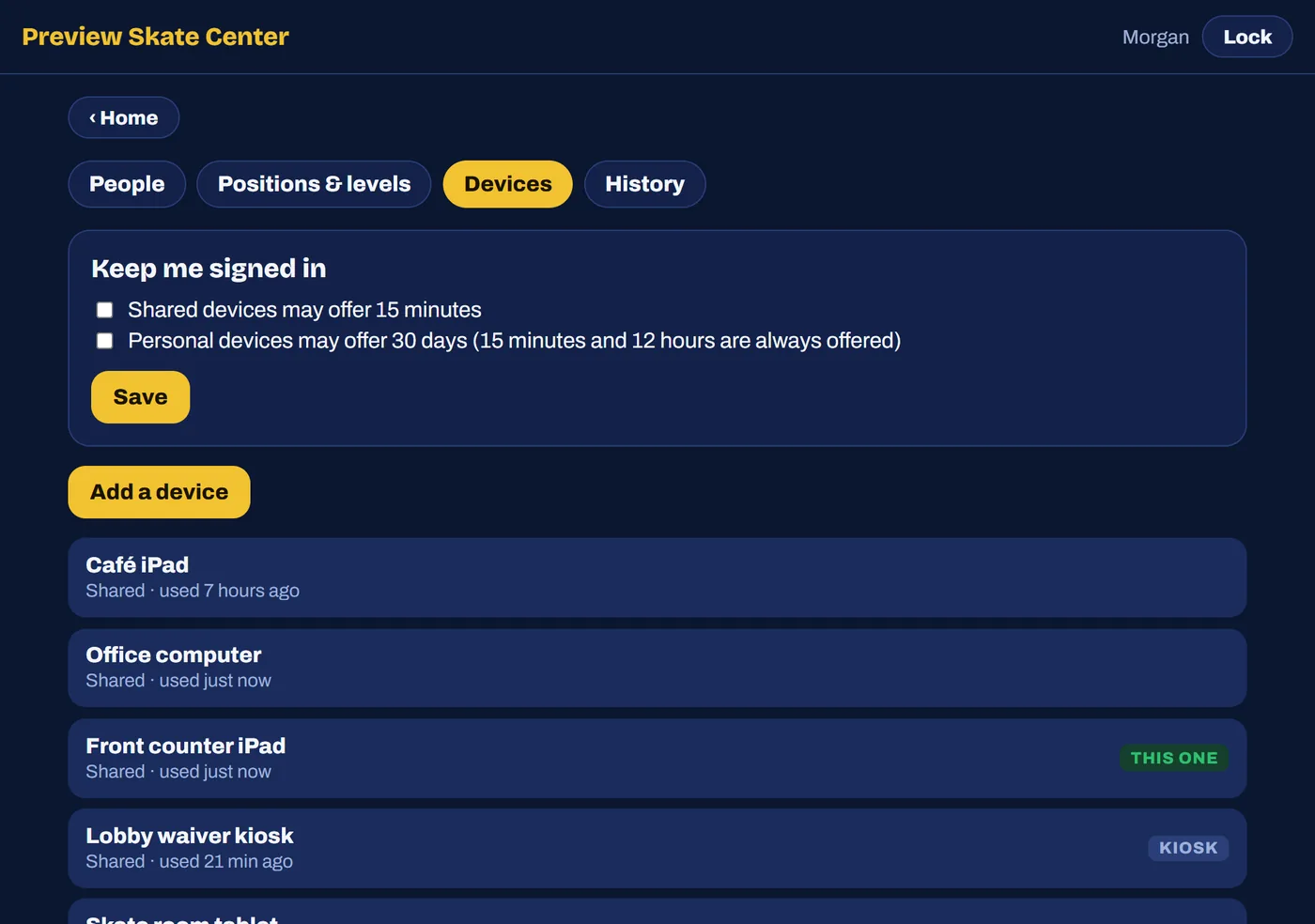
Every iPad, by name
Front counter iPad, café iPad, the lobby waiver kiosk. If one walks off, turn it off here and it stops working right away.
A device can be limited to certain products, so the café iPad opens straight into the menu board.
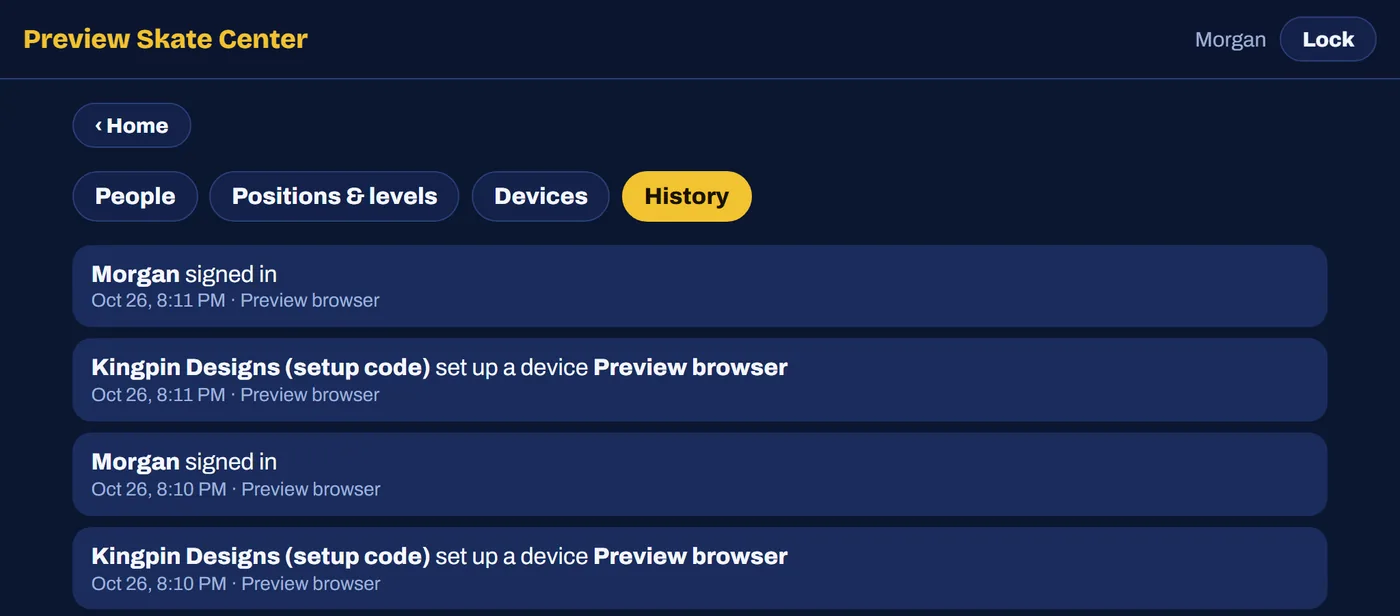
The history knows who
Because everyone has their own PIN, the record says which person did it, at what time, on which device. Not just which tablet.
The parts you'd worry about.
Your rink, not ours
Your name and logo are on the sign-in screen and the home-screen icon. Kingpin only shows up as a small line at the bottom.
A help button on every screen
Contact Kingpin sends me a message with your rink, the person and the product already filled in.
Wrong PINs lock out, not in
Five wrong PINs locks that person for 15 minutes. Twenty on one device locks the device until a manager turns it back on.
Your records stay yours
If you ever stop using Kingpin, you keep read-only access to everything you have. Signed waivers stay reachable.
It all runs on the same dashboard.
Menu boards
Sold-out sashes, countdown timers and prices your staff change from the counter. Every screen catches up on its own.
See how it worksParty check-in
Today’s parties on the iPad at the door. Guests are tapped in as they arrive and the bill builds itself.
See how it worksWebsites
A site that knows what time it is: today's hours, this month's events and a way to reach you, on every phone.
See how it worksWaivers
In developmentFamilies sign on their phone before they get there. Staff find them by name or scan the pass, and the line keeps moving.
See what's comingParty booking
In developmentParents pick a slot and pay online. Two parties can never land in the same room at once.
See what's comingTell me about your project.
What you need built, what's slowing you down, and what would help most. If I can't help, I'll say that too.